01
A player is ruining your server
Someone is shooting people at Legion Square. Your staff is in-game, at home or on their phone, and they all see it on the same live dashboard.
Players, tickets, bans, logs, economy, a live 3D map and GameView, in one place your whole staff team can use.
Scroll to follow a typical moderation case from start to finish.
Someone is shooting people at Legion Square. Your staff is in-game, at home or on their phone, and they all see it on the same live dashboard.
Search by name, server ID or identifier across every online and offline player and character.
Health, job, money, inventory, vehicles, notes, warnings and sessions. Revive, teleport, spectate or open their inventory with one click.
Pick a reason and a duration. The ban is logged with who did it and why, and every staff member sees it straight away.
A working copy of the interface with sample data. Open a player, ban someone, switch the theme or run code. The guided tour pauses as soon as you click.
From a quick revive to a full economy audit, every tool is one click away.
Watch any player's screen live from the panel. Catch rule-breakers in the act without spectating in-game.
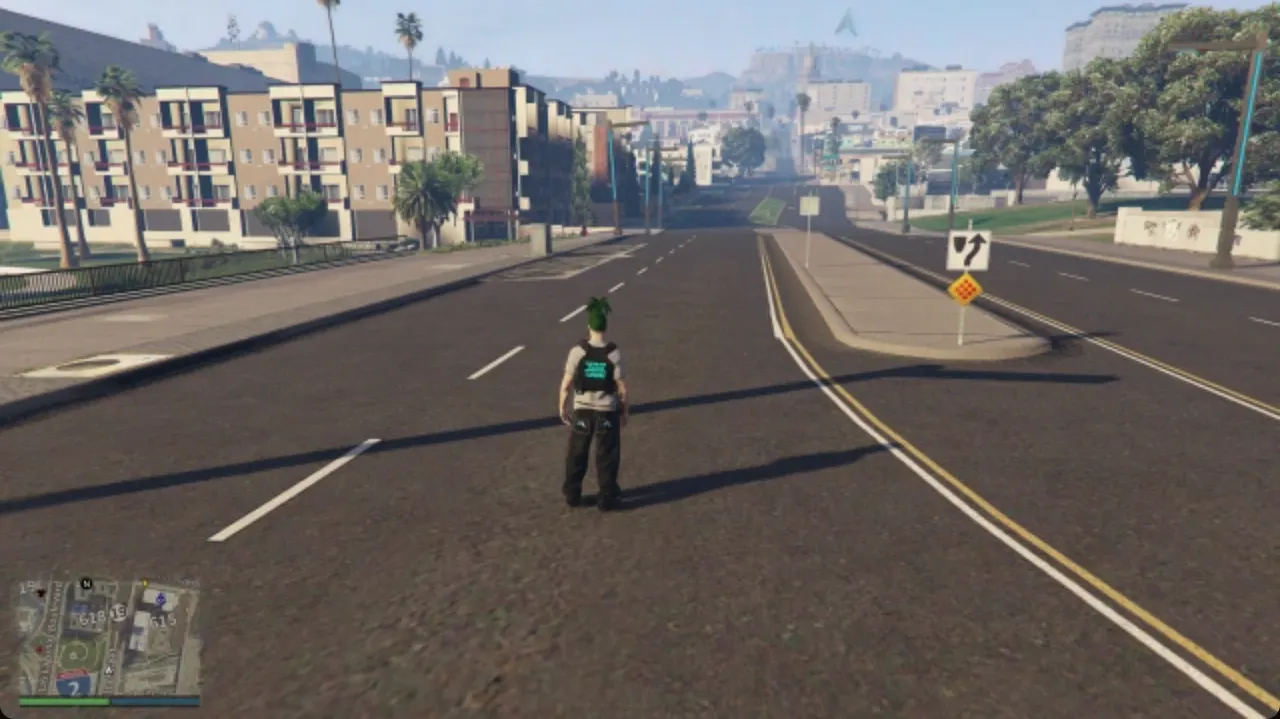 LIVE · 26 FPS
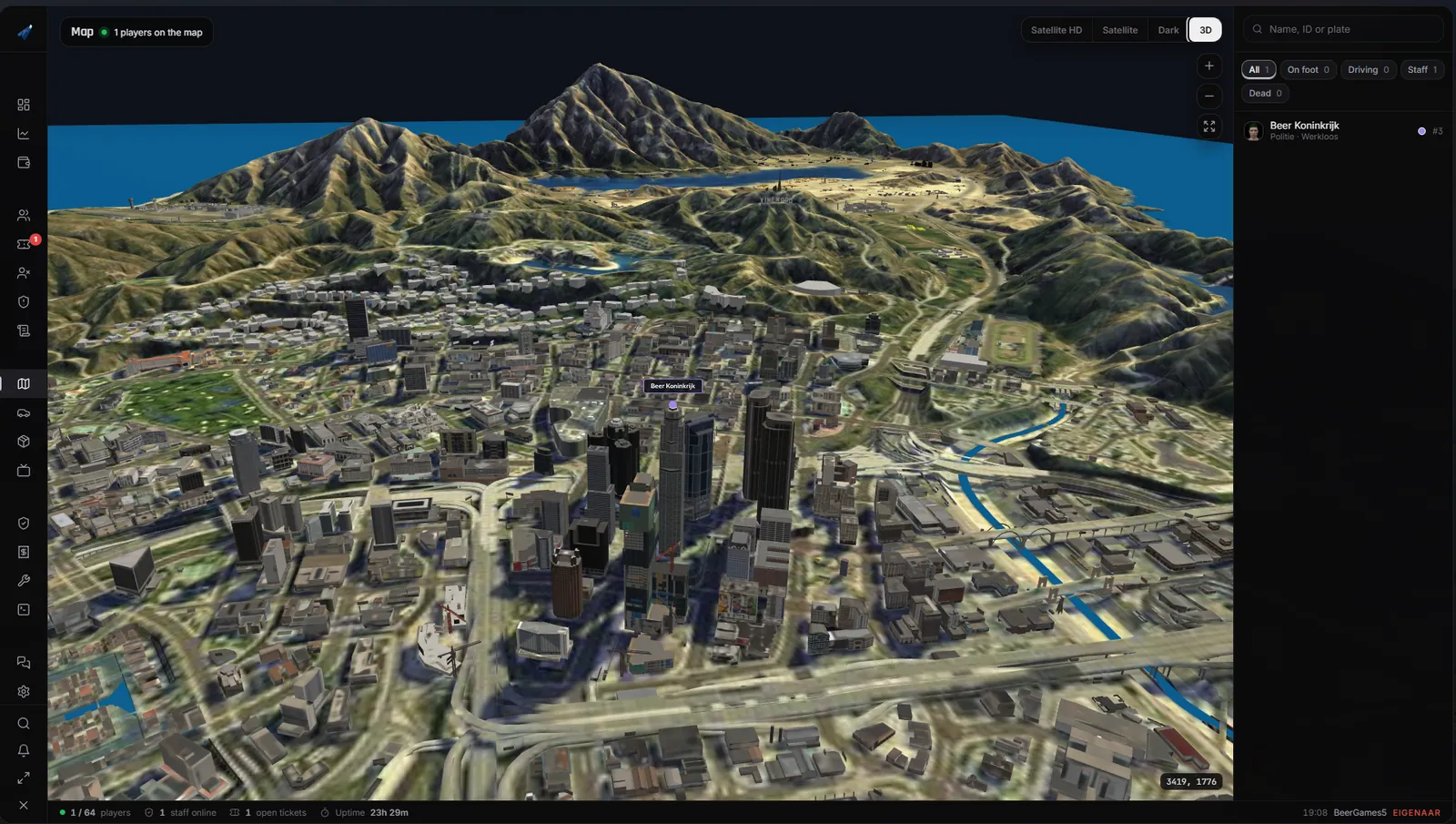
Satellite, dark and 3D views with every player, vehicle and staff member in real time.
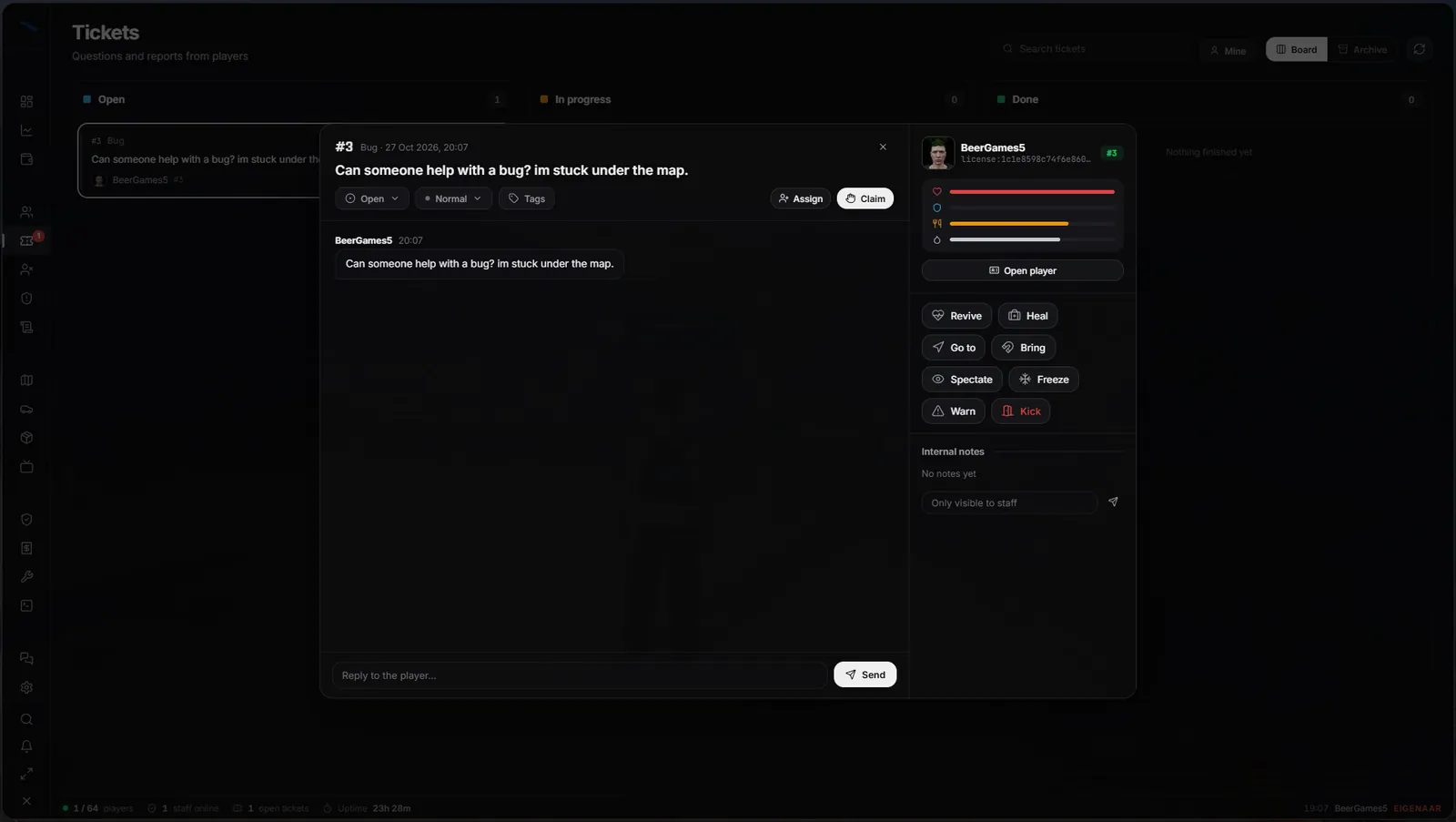
Claim, assign, tag and reply to reports, with the player's vitals and actions beside the chat.
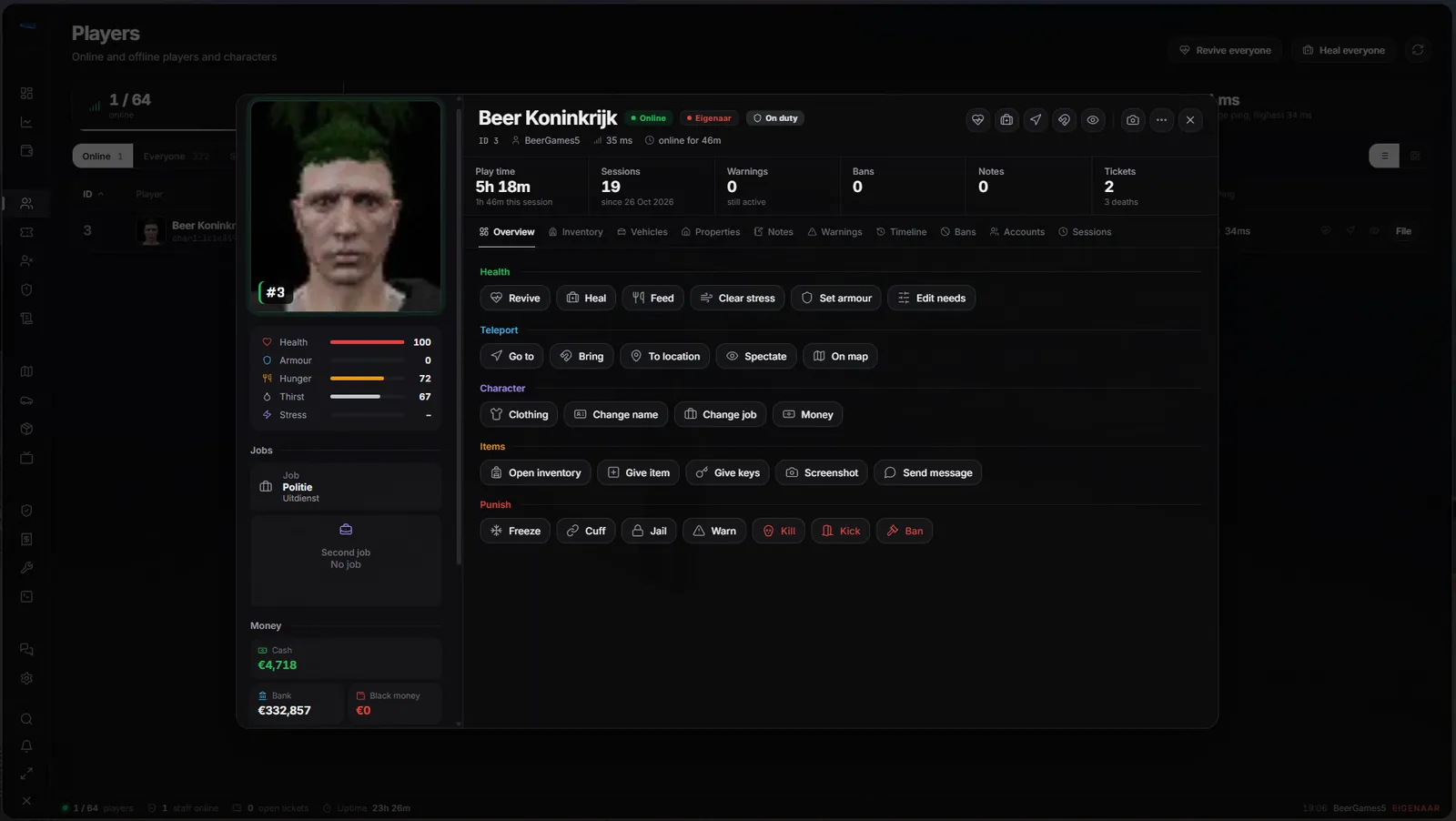
Health, money, jobs, inventory, vehicles, properties, notes, warnings, timeline and sessions.
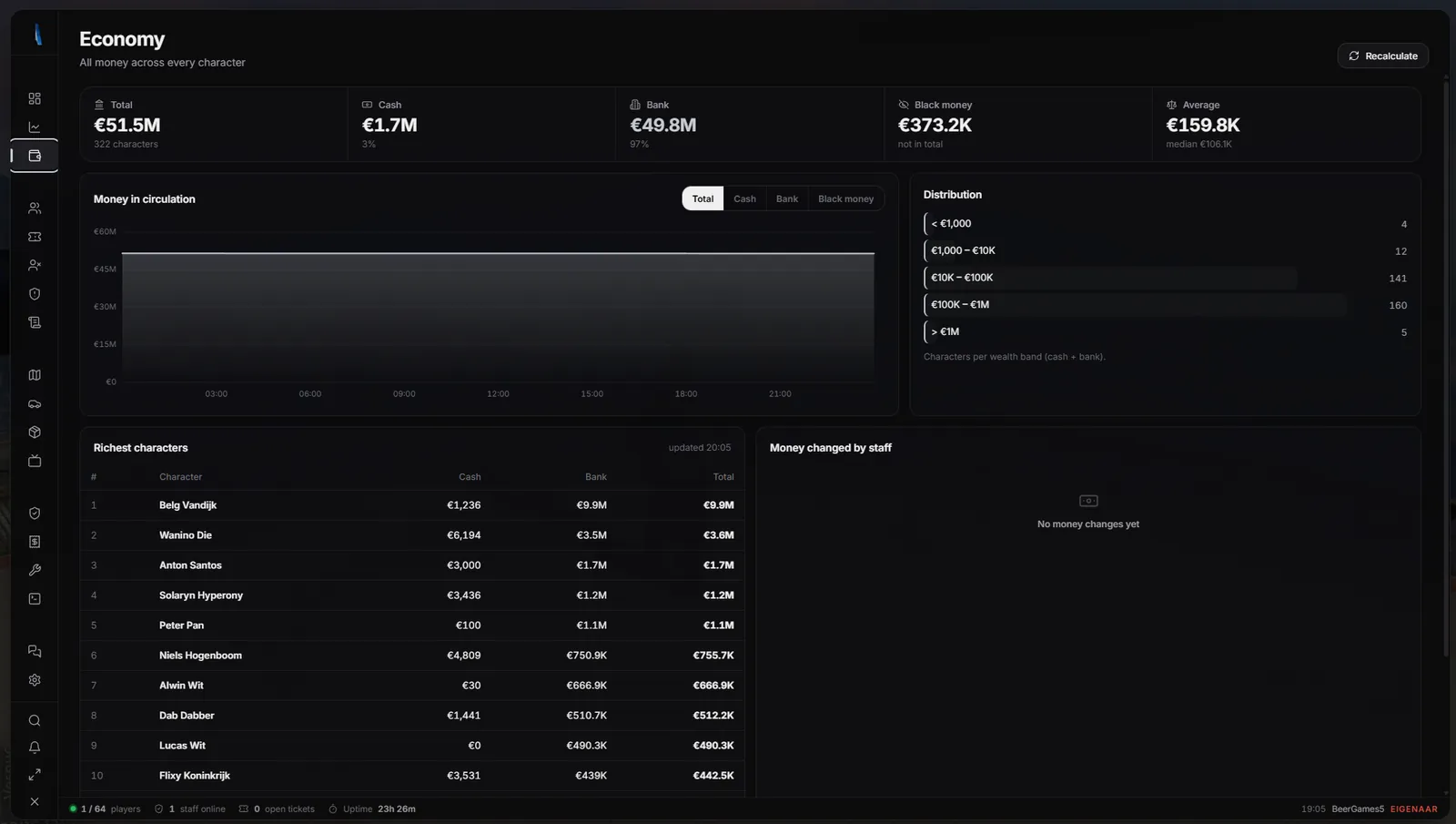
Cash, bank and black money across every character, wealth bands, the richest characters and every change made by staff.
Run client and server code, inspect entities, place objects and manage resources.
A private staff channel and voice channels for moderators, admins and management.
Every action is logged with who, what and when. Search, filter and export to CSV.
Browse your item database with images and weights, inspect every vehicle and clear empty ones.
Alerts, freeze, cuff, jail, warn, kick and ban with reasons. Every ban is searchable.
Black, Blue, Red and Light, your own accent colour, density, corners, text size, window size and opacity.
Every staff member can use the panel in their own language.
No ports to open and no web hosting. Your server connects to the cloud on its own and gives you a private panel link.
Log in with Cfx.re at checkout. The resource appears in your Keymaster.
Add ensure arp-adminpanel after ox_lib and oxmysql, then set your licence.
Type panellink in the console and log in from any browser, or open it in-game.
The browser panel runs on our cloud and talks to your server over an outgoing connection, so it works on every host.
On first start your server creates a random 256-bit key. Only the server that holds it can answer for your panel link.
The link alone only shows a login page. Every request is checked by your server against its own staff accounts.
A strict Content Security Policy, login limits per IP and logins kept per panel link.
Your server opens the connection itself over HTTPS on port 443. Nothing to forward or host.
Two servers using the same key, for example from a copied database, are flagged in the console and panel.
The panel files come from the cloud, so improvements reach you without reinstalling.
 Admin Panel CloudYour private link
A one-minute walkthrough, from a problem player to a ban.
No subscription and no feature tiers. Pay once, run it on your server and get updates and support on Discord.
ox_lib and oxmysql, which most servers already run. Inventories are supported through a bridge you can edit yourself.panellink in the console.Questions first? Our Discord is the fastest way to reach us.
You will log in with Cfx.re at Tebex, so the resource is delivered to your account.